
Account
How do I create an account and/or log in to HelloTalk?
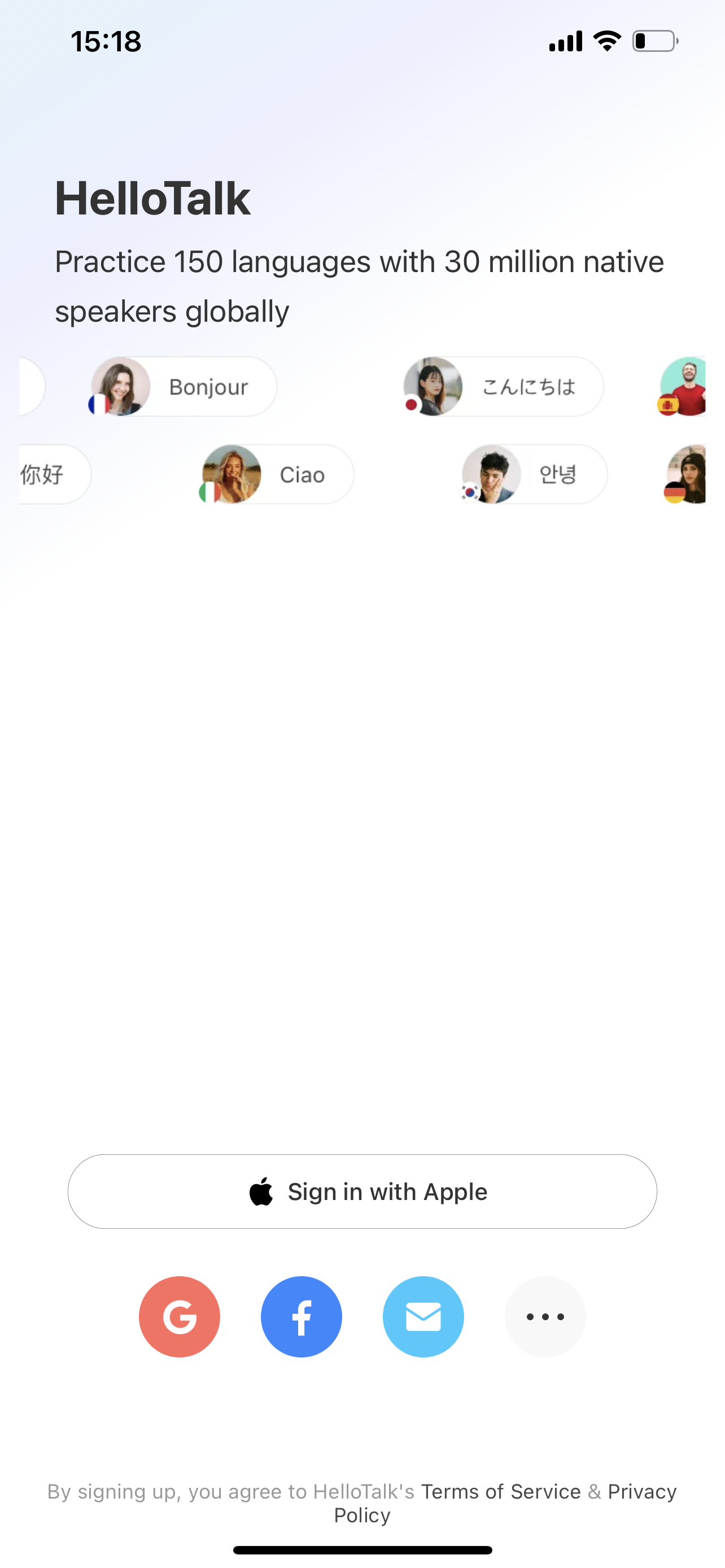
You can create a new HelloTalk account using your email address or by using your existing Apple ID, Google, Facebook, Wechat or QQ account.
Android app and iOS app
To create or login the account, click on the "Apple" or "Google" or "Facebook" icon or "..." to show more options, e.g. "Email" or "WeChat" or "QQ" icon at the bottom to create or log in to your HelloTalk Profile.
If you want to log in to the account you have already logged into on this device, you can click on the "..." button at the bottom to enter the "My Account" options and select the account you want to log into.
Need Help? Contact Customer Service
Related Questions
- →I forgot my password and cannot log in, what can I do?
- →I can't log in using Apple ID, Google or Facebook account, what can I do?
- →I deactivated my Apple ID, Google or Facebook account linked to my HelloTalk account, can I still log in?
- →I received the notice "This phone number is already bound to an account" when signing up for a new account, but I have forgotten
- →It asks me to verify my phone number but I can't receive the verification code. What can I do?
Last updated on