
How do I create an account and/or log in to HelloTalk?
Category: Account
You can create a new HelloTalk account using your email address or by using your existing Apple ID, Google, Facebook, Wechat or QQ account.
[Android app](https://play.google.com/store/apps/details?id=com.hellotalk&hl=en&gl=US) and [iOS app](https://apps.apple.com/us/app/hellotalk-language-learning/id557130558)
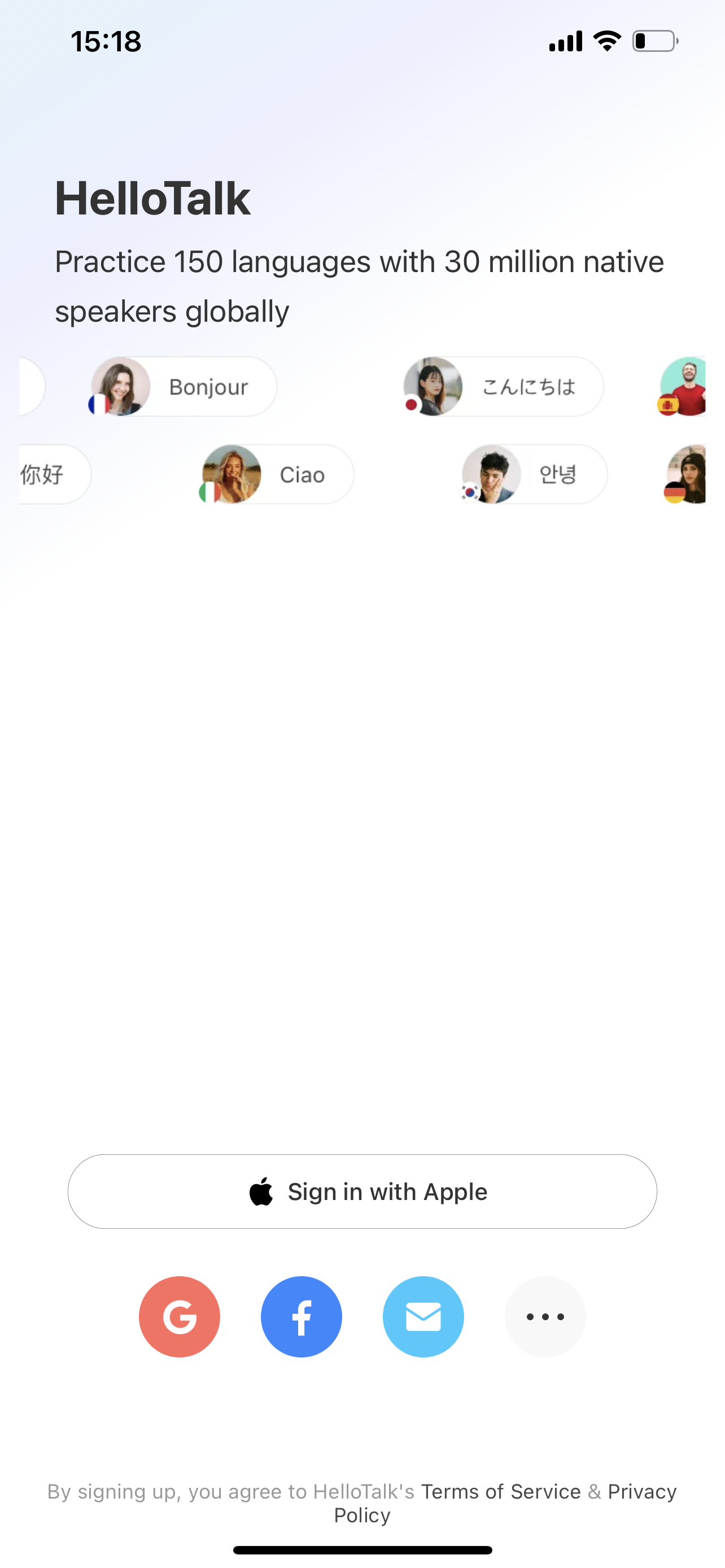
To create or login the account, click on the "Apple" or "Google" or "Facebook" icon or "..." to show more options, e.g. "Email" or "WeChat" or "QQ" icon at the bottom to create or log in to your HelloTalk Profile.
If you want to log in to the account you have already logged into on this device, you can click on the "..." button at the bottom to enter the "My Account" options and select the account you want to log into.
Need Help? [Contact Customer Service](https://ali-global-statics.hellotalk8.com/ai-helper/prod/#/feed-back?hidebar=1&fullscreen=1&htdisableselectedword=1&hidebottombar=1)
Need Help? [Contact Customer Service](https://ali-global-statics.hellotalk8.com/ai-helper/prod/#/feed-back?hidebar=1&fullscreen=1&htdisableselectedword=1&hidebottombar=1)
⚠️ This content was dynamically fetched from the API and may not include all formatting features.