
How can I back up my chat history?
Category: Chats Learning Features
1) Go to the "Me" tab to view your profile
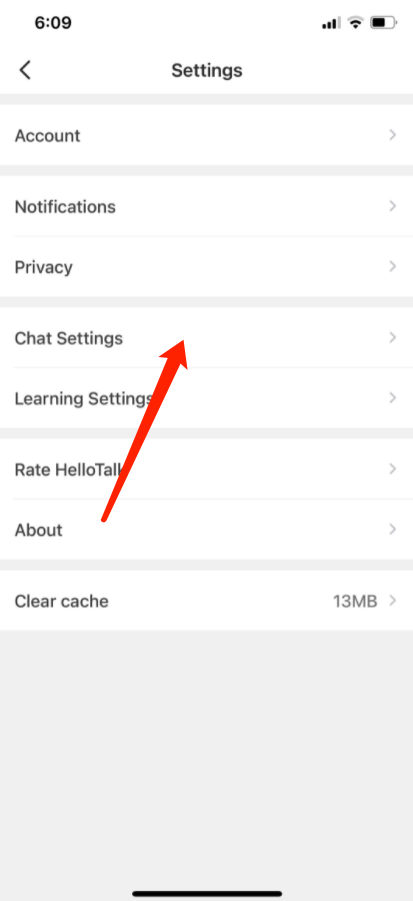
2) Go to "Settings" by tapping the gear icon in the upper-right corner
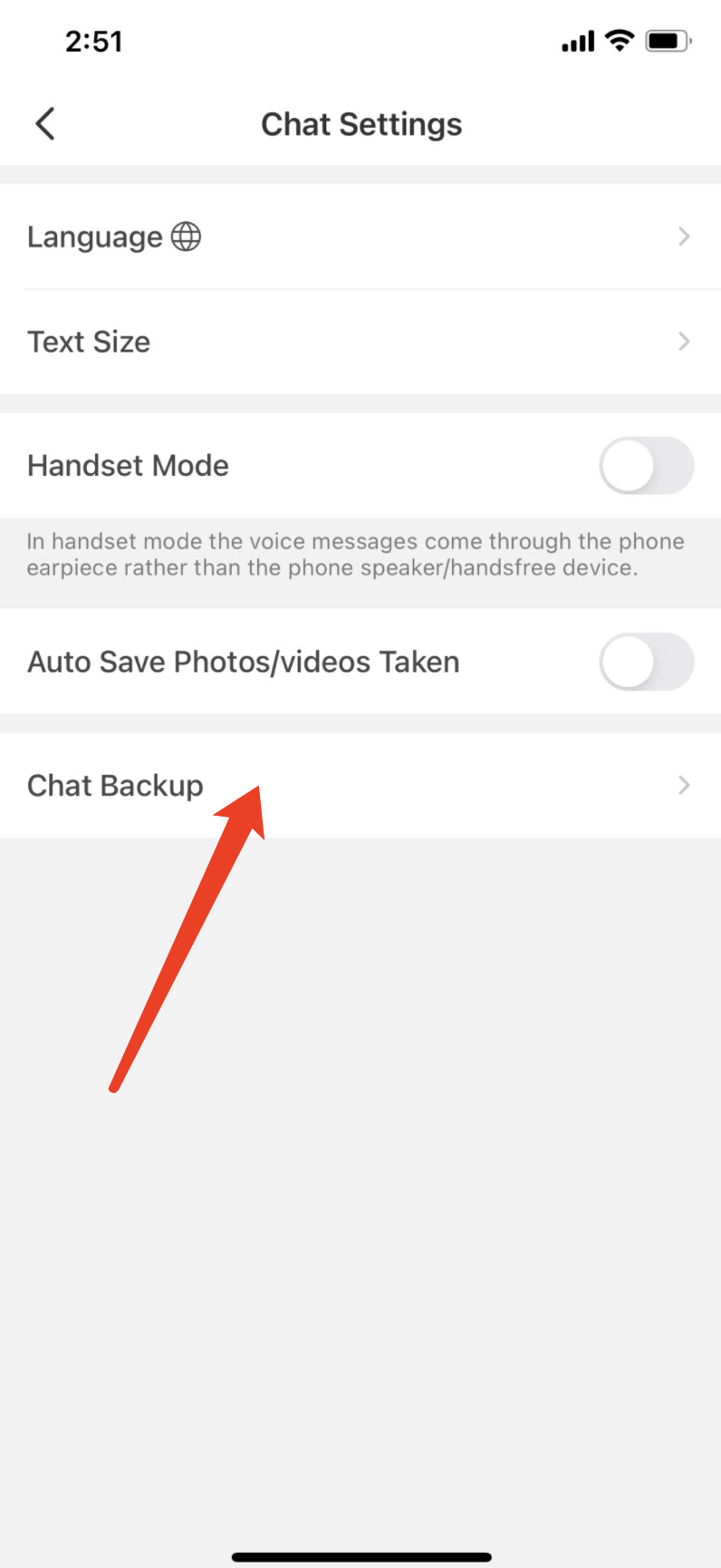
3) Go to the "Chat Setting" page
4) Tap "Chat Backup" to back up your chat record
For iOS devices: Enable iCloud for the HelloTalk app in your iPhone's settings first.

⚠️ This content was dynamically fetched from the API and may not include all formatting features.