
How can I edit or delete my audio self-introduction?
Category: Account
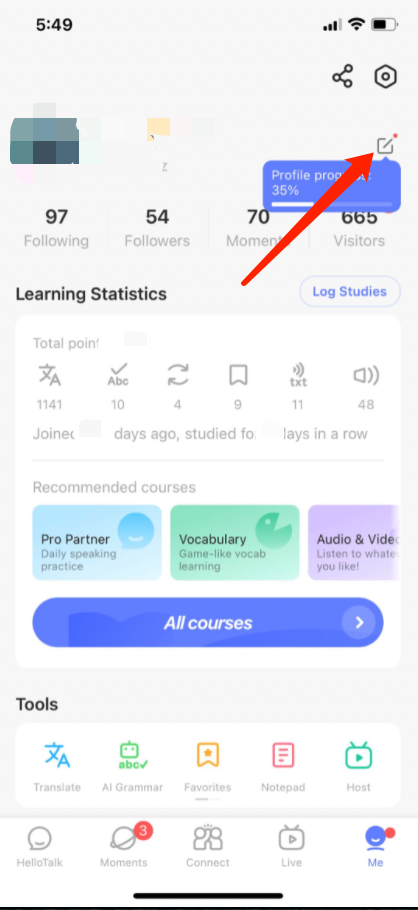
1) Go to the "Me" tab to view your profile
2) Click on the ">" icon in the lower-right corner of your profile picture
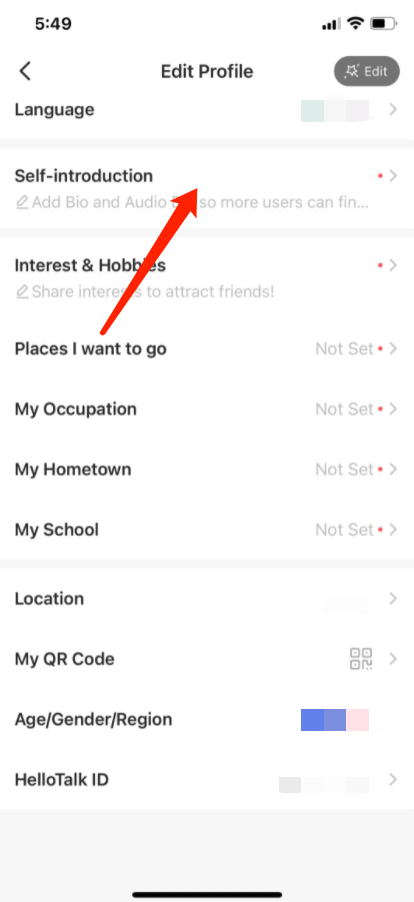
3) Tap "Self-introduction" to edit or delete your audio self-introduction
⚠️ This content was dynamically fetched from the API and may not include all formatting features.